
Slider Templates
 Prakhar Shrivastava
Style your store with Preset Templates
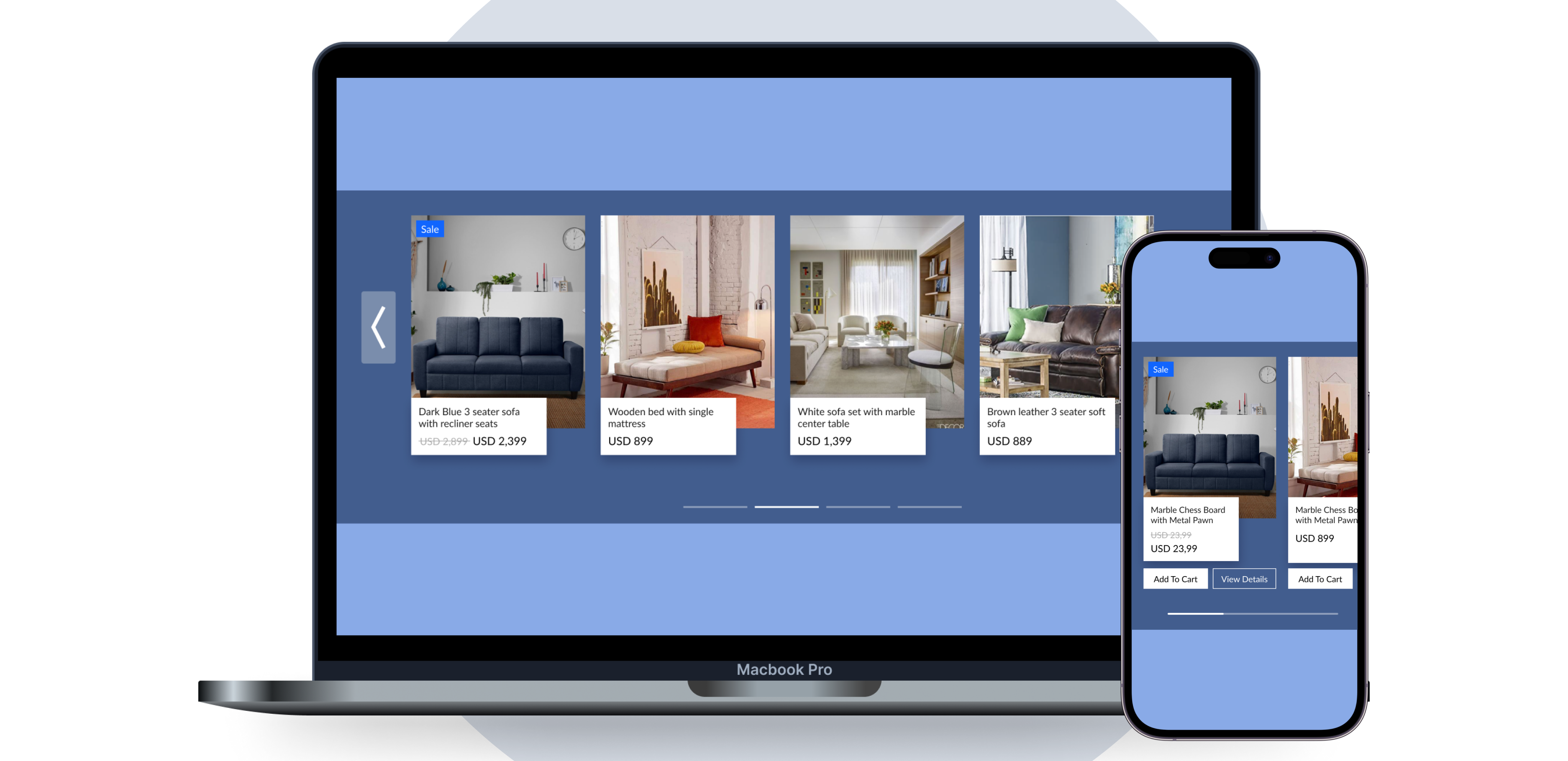
Automatic Slider Sliding
Prakhar Shrivastava
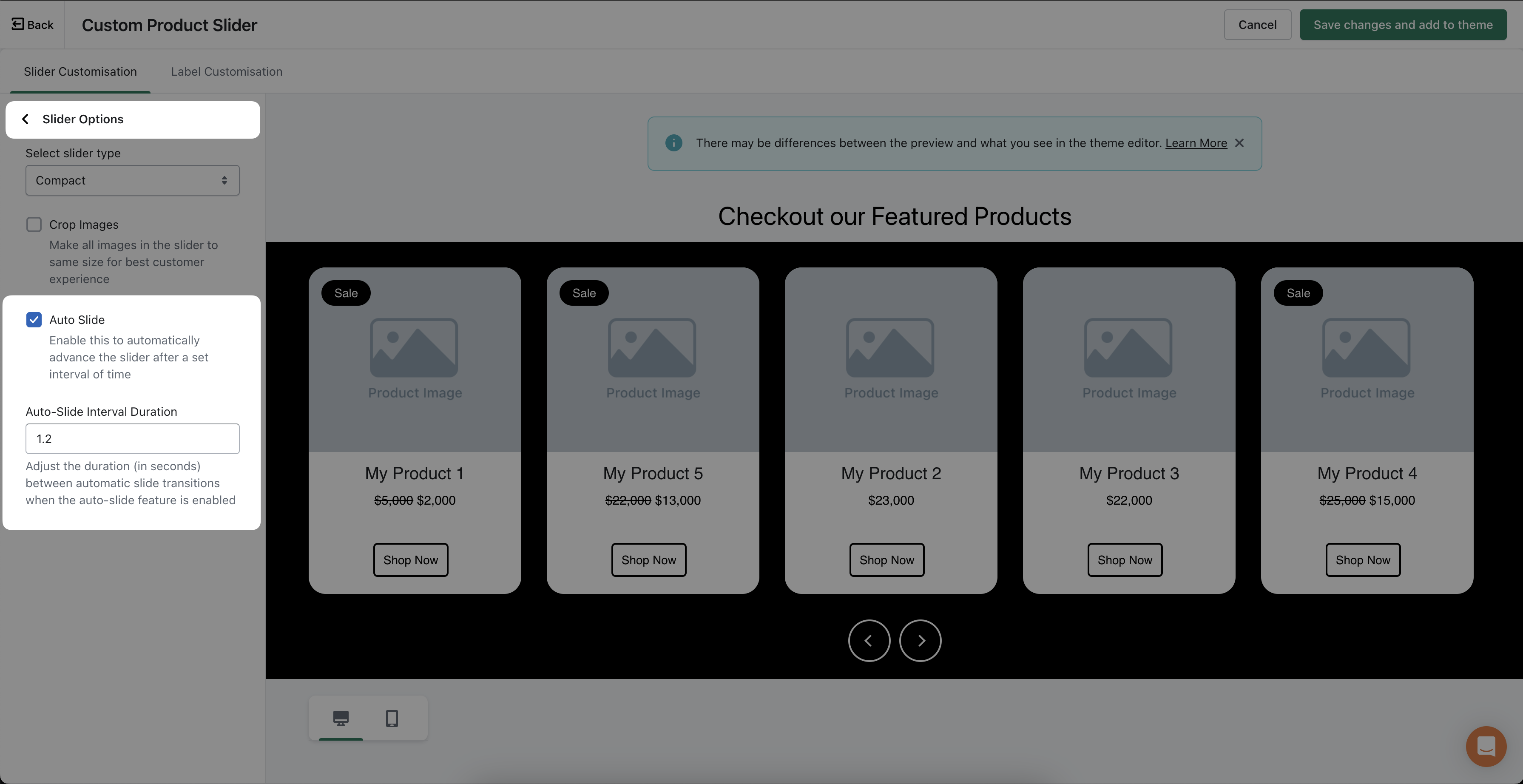
- Introducing the highly requested Auto Slide feature for the FoxSell Slider.
- Enable Auto Slide to automatically transition between slides.
- Set the desired interval for automatic sliding.
- Enhances user experience and showcases content more effectively.
- Improved accessibility for users with mobility impairments.
Added Support for Cart Drawer with Add to Cart
Prakhar Shrivastava
We have added support for Cart Drawer with Add to Cart to enhance the online shopping experience. This feature allows customers to add items to their cart without leaving the product page, and a drawer slides out from the side of the screen showing a summary of the cart contents, giving the option to continue shopping or proceed to checkout

🎉 Introducing the FoxSell Collection Slider - A Game Changer for Your Shopify Store! 🎉
Prakhar Shrivastava
We are thrilled to announce the release of our latest innovation, the FoxSell Collection Slider! Designed to transform your store's visual appeal, this dynamic tool allows you to effortlessly showcase your product collections in a stunning and interactive manner.
Don't miss out on this opportunity to captivate your audience and elevate your online store. Try the FoxSell Collection Slider today and experience the difference it can make in showcasing your products like never before! 🚀💡🛍️

Crop Images to same size
Prakhar Shrivastava
You can now crop images so that all the images in the slider are of the same size

Even if your images are not of same size you can use this setting to make your slider look even better

Automated Best Seller Slider is 20x faster
Prakhar Shrivastava
Now you can use the new and improved Automated Best Seller Slider
- 20x Faster in terms of first load
- No need to refresh products manually in case you change the price or any detail
- Supports Multi Currency
Strike through on the Compare at price when a product is on Sale
Prakhar Shrivastava
You can now show sale tag and strikethrough pricing when you add a compare at price

Choose Sale Label Position
Prakhar Shrivastava
You can now choose where you want to position your sale label on the image.
You can choose the following positions:
- Top Left (Default)
- Top Right
- Bottom Left
- Bottom Right
